DeskPixel Documentation
Connect & settings
Account, language & data
Change your password and language, control your data, and delete your account (PDPA).
Your account settings are where you manage who you are, what language you see, and what happens to your data. Everything here lives under Settings.
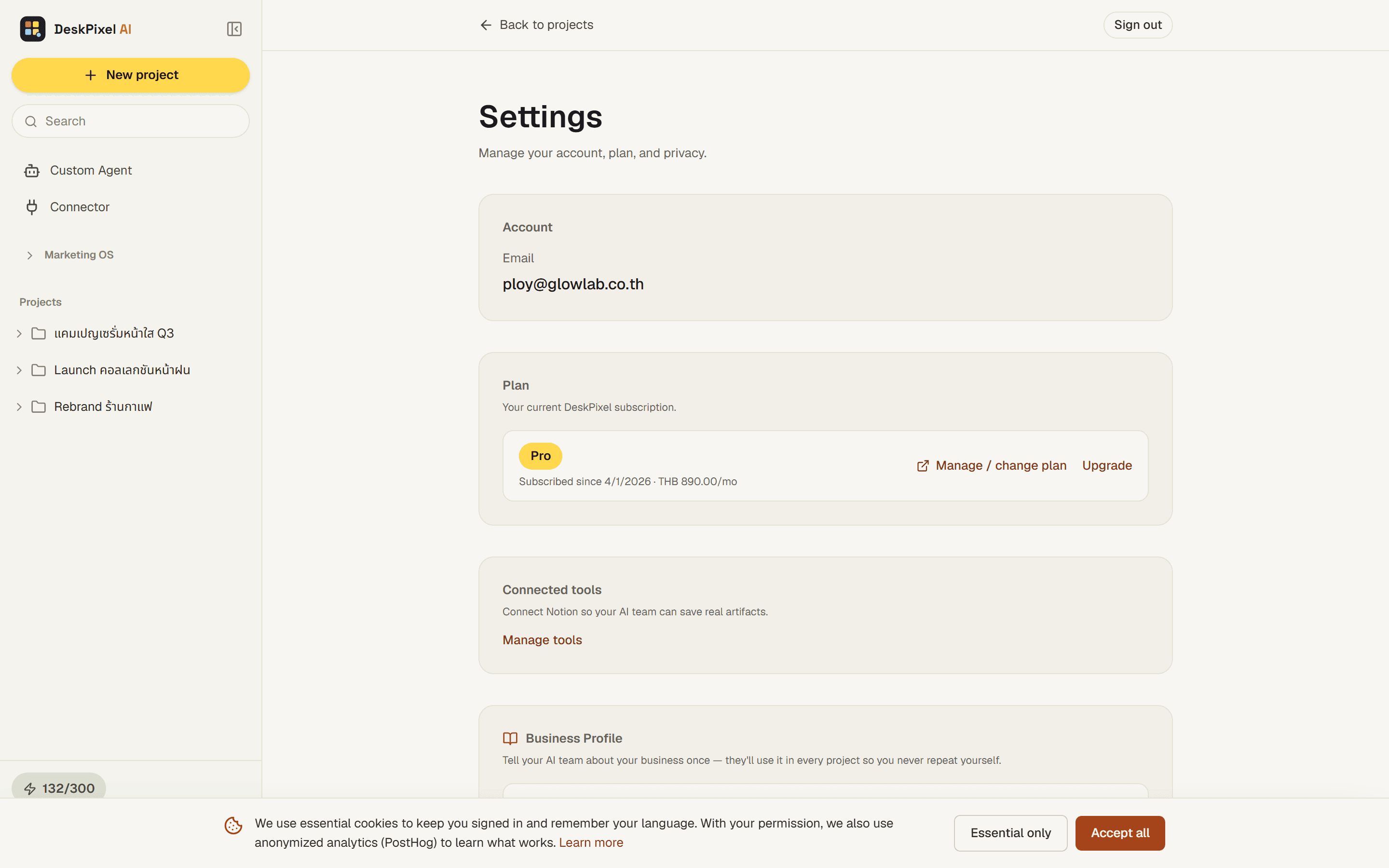
Profile & password
Update your name and account details from Settings. To change your password, use the password option in Settings, or the "forgot password" link on the sign-in screen, which emails you a secure reset link.
Language
DeskPixel is fully bilingual. Switch between Thai and English from the language control, and the whole interface (and this documentation) follows your choice. Thai is the default.
Your data & privacy
Your projects, chats, brand kit, and saved work are yours. DeskPixel follows Thailand's PDPA: you can request your data and you can delete your account. Read the full details in the Privacy policy.
Deleting your account
If you choose to delete your account, your workspace and personal data are removed. This is permanent, so export or copy anything you want to keep first.
Tips & tricks
- Set your language once and both the app and these guides match it everywhere.
- Keep your email current. It's how password resets and important account notices reach you.
Requirements
Account settings are available on every plan.