DeskPixel Documentation
Agents
Creating custom agents
Build your own specialist agent with its own instructions, reachable by @mention.
Beyond the built-in team, you can create your own specialist agents with their own instructions: a copywriter that knows your exact tone, a strategist briefed on your market, or a proofreader with your style rules. Custom agents are reachable by @mention in any chat.
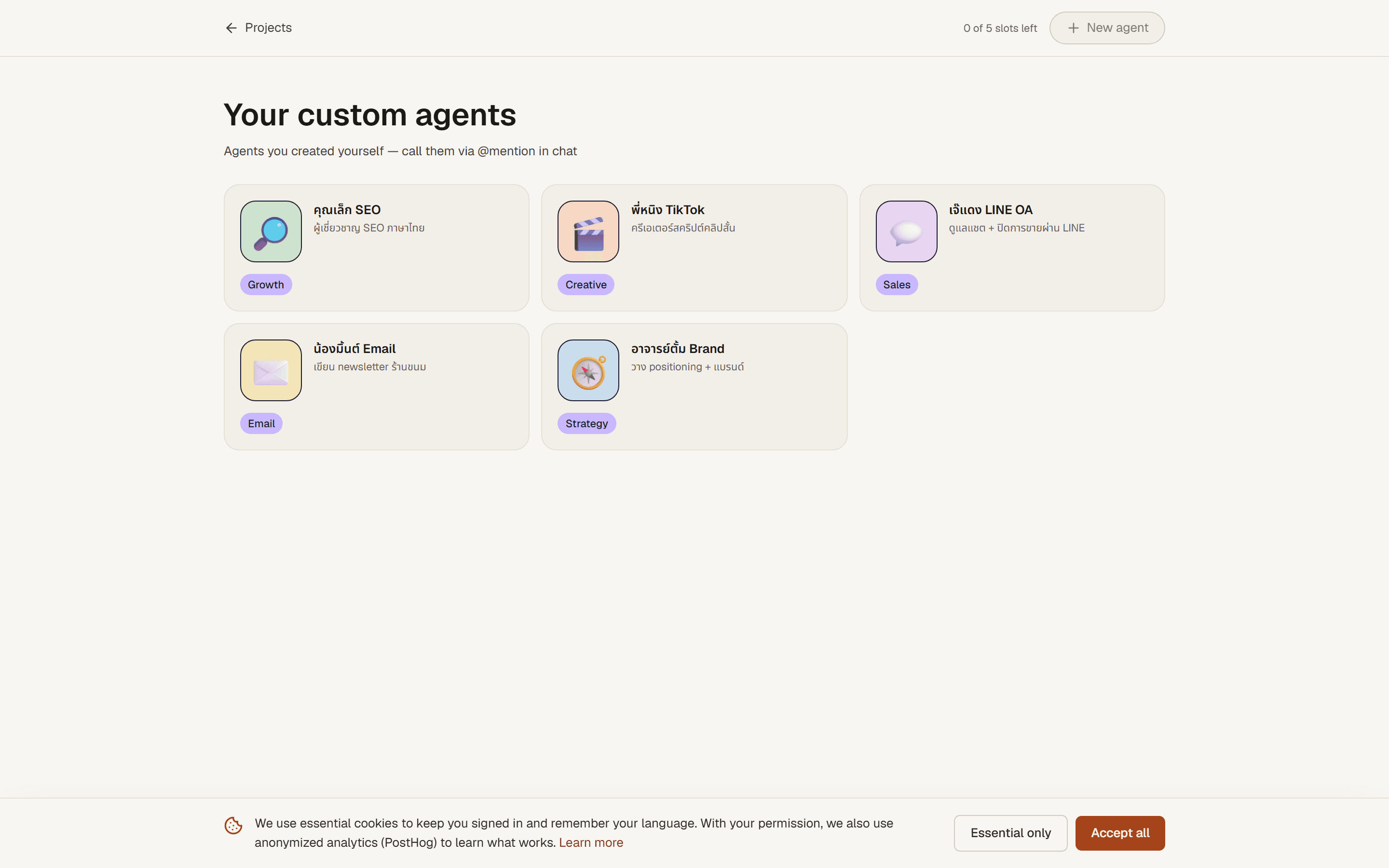
Where to find it
Open Agents from the main navigation. You'll see the agents you've already created plus a slot counter showing how many more you can add on your plan.
How it works
- Pick an open slot. Click New agent (greyed out if you've used all your slots; upgrade or delete one to free space).
- Give it an identity and instructions. Choose a name and emoji, then write the system instructions: who it is, how it writes, what it should always or never do. The more specific, the better.
- Save and use it. Once saved, type
@in any chat and your agent appears in the list. Maya never auto-routes to custom agents, so @mention is how you reach them.
Tips & tricks
- Write instructions like a brief, not a wish. "Always write in second person, max 2 emojis, Thai casual tone" beats "be friendly".
- One job per agent. A focused proofreader and a focused strategist outperform one agent told to do both.
- Reuse your Brand Kit. If a rule belongs to your whole brand (voice, hashtags), put it in the Brand Kit so every agent inherits it. Keep agent instructions for the role-specific parts.
Requirements
Every plan includes at least one custom-agent slot. Slots scale with your plan: Free 1 · Starter 2 · Pro 5 · Studio 10.