DeskPixel Documentation
Getting started
The chat workspace
Where you brief your AI team and watch them work — Auto-Route, @mention, and Team modes.
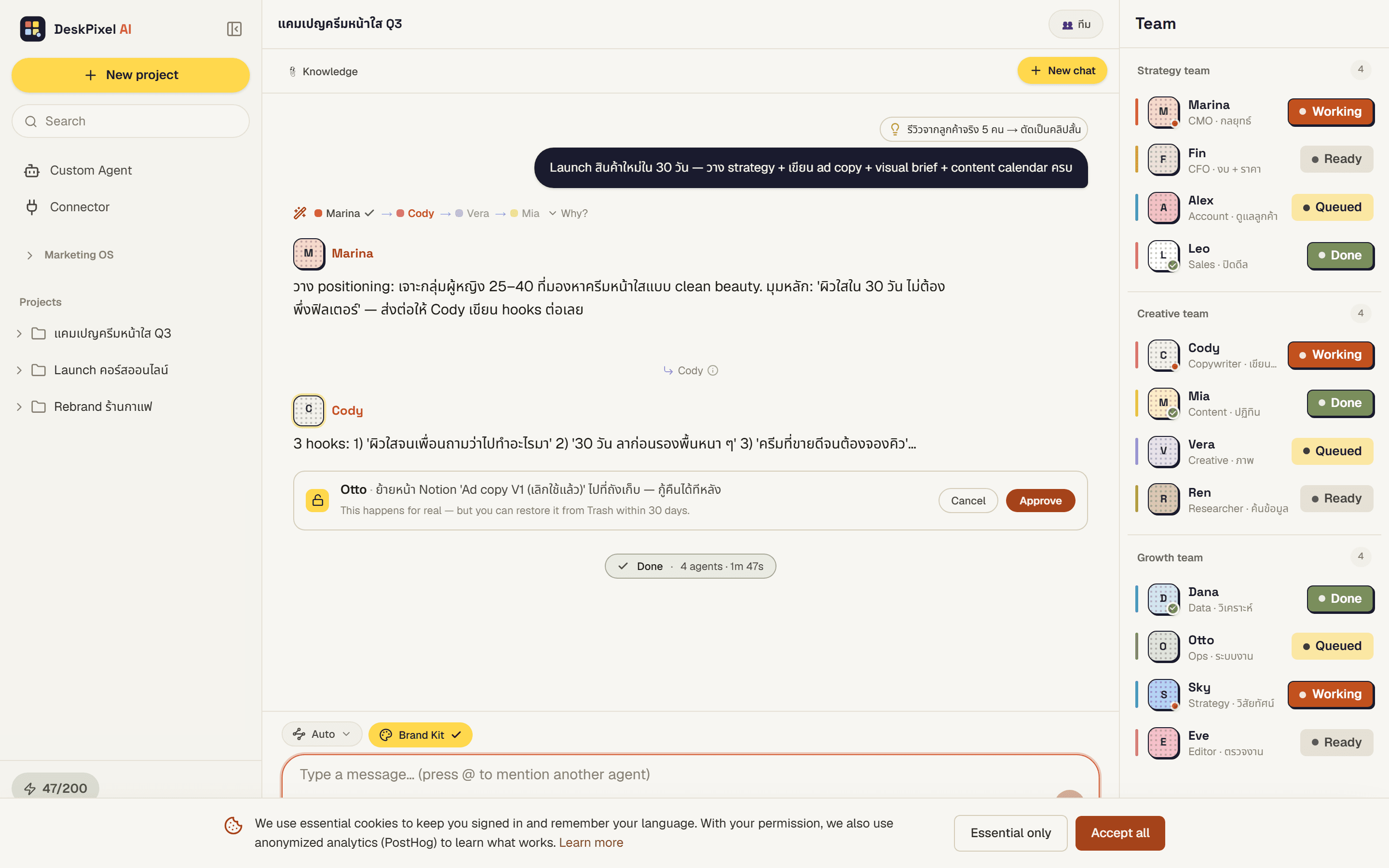
The chat workspace is where DeskPixel really lives. You describe what you want in plain language, and your AI marketing team gets to work, handing off to each other automatically until the job is done. The chat sits in the centre; your team lives in the Office sidebar, where you can watch who is typing, working, or waiting on you.
Where to find it
Open any project from Projects, or start a new one. The project page is the workspace; there's no separate "chat" tab. Type your goal in the box at the bottom and press send.
How it works
DeskPixel has three ways to run your team. You don't have to choose up front. Most of the time you just type and let the team sort itself out.
- Auto-Route (default). Type a goal like "plan a week of Instagram posts for my café" and Maya, the invisible router, picks the right specialists and runs them in order. You'll see a short "Routing to your team…" line, then the agents stream their work.
- @mention. Type
@and pick an agent to send your message straight to them, skipping the router. This is the only way to reach agents you've created yourself. - Team mode. Pre-select a subset of agents so the router can only choose from that group. Handy when you want to keep a task focused.
As the team works, an agent may hand off to a teammate (you'll see a small transition note), ask you a question before continuing, or request your approval before using a connected tool.
Tips & tricks
- Lead with the outcome, not the steps. "Get me 5 launch-day captions in a cheerful tone" routes better than "open the caption tool".
- One goal per message. If you bundle three unrelated tasks, the team tries to do all of them at once. Send them separately for cleaner results.
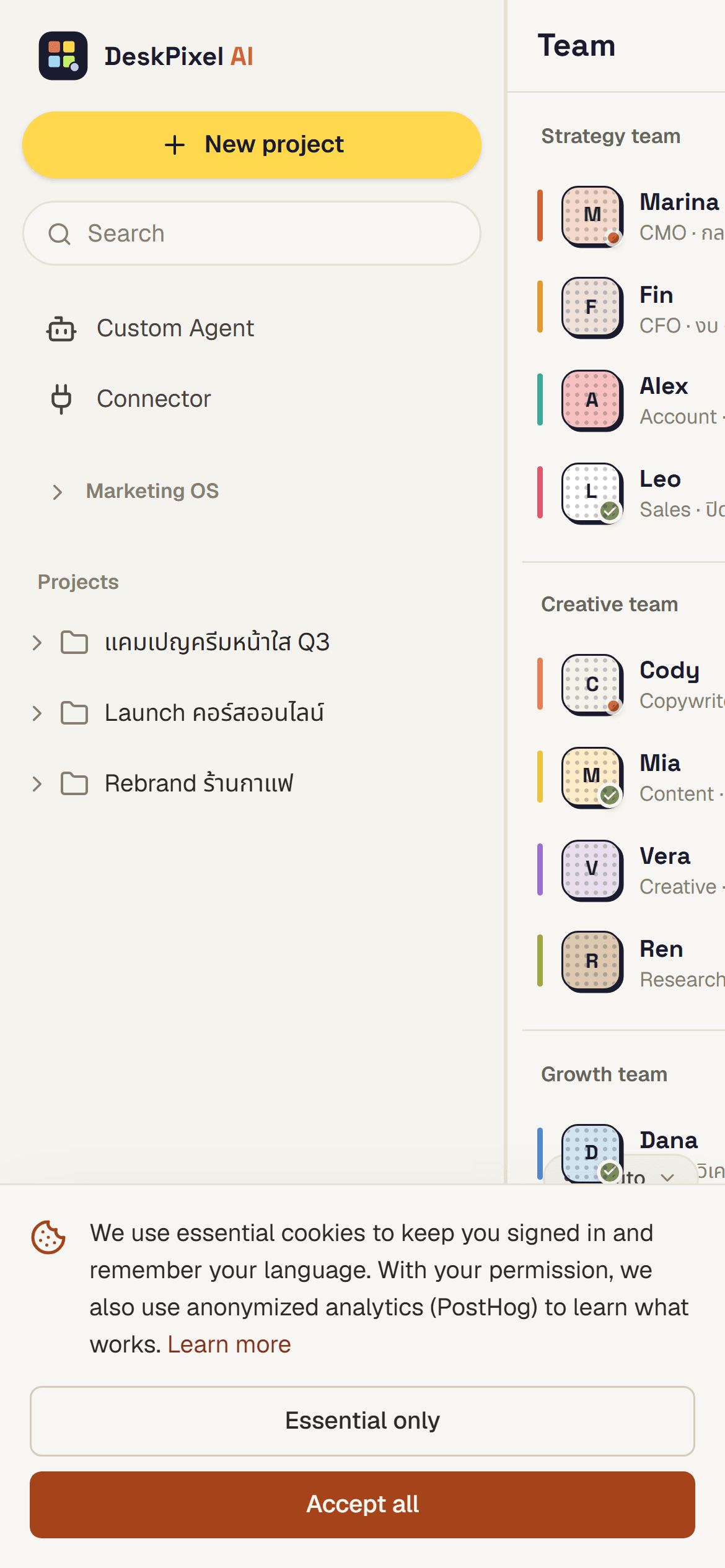
- Watch the Office sidebar. The status dots tell you who's still working, so you know when the team is truly finished.
- Approve tool actions deliberately. When an agent asks to send or save something, the approval bar blocks until you confirm. Nothing leaves DeskPixel without your tap.
Requirements
Available on every plan, including Free. Free and Starter plans use the 6 Standard agents; Pro and Studio open up the full team.