DeskPixel Documentation
Marketing OS
The content calendar
See your planned posts laid out across the month so nothing slips.
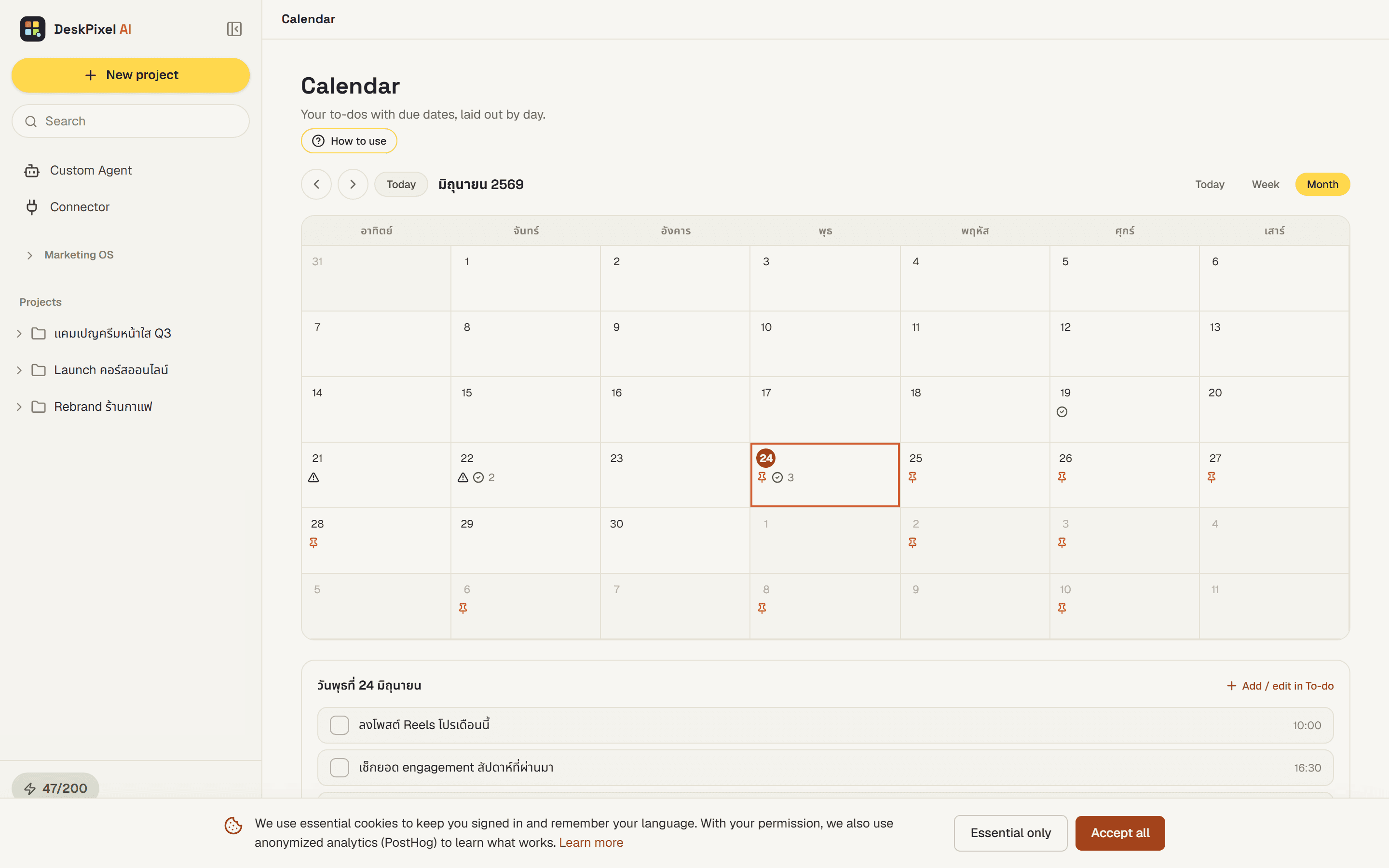
The content calendar lays your planned posts out across the month, so you can see your cadence at a glance and spot the gaps before they become quiet weeks. Anything you schedule on the planner shows up here on its date, so the calendar always reflects your real plan.
Where to find it
Open the content calendar from the Marketing OS in your workspace. It shows the current month with your scheduled posts placed on the days they're set to go out.
What you can do
- See your whole month of planned posts in one view.
- Read your posting cadence at a glance and notice gaps where nothing is scheduled.
- Track items you've scheduled on the planner, which appear automatically on their dates.
Tips
- Use the calendar as a quick health check. Even spacing usually beats bunching everything into one busy week.
- Spot an empty stretch? Ask the team to draft something for that slot and schedule it on the planner. It shows up on the calendar right away.
- Glance at the calendar before planning a new campaign so you don't double-book a busy day.
Requirements
Available on every plan.