DeskPixel Documentation
Playbooks
Playbook: plan a month of content
Go from a blank calendar to a month of scheduled posts your team drafts for you.
A blank content calendar is intimidating. This playbook turns it into a month of planned, drafted posts in one sitting, using your team to do the heavy lifting and the planner to keep it organised.
Step 1 — Brief the month
Open a project and give the team the shape of your month in one message: the theme, the channels, and roughly how often you post. For example: "Plan 12 Instagram posts for May around our cold-brew launch. 3 posts a week, mix of product, behind-the-scenes, and customer stories."
Step 2 — Capture the ideas as cards
When the team comes back with ideas, save the ones you like straight to the planner. Each becomes a card you can reorder, edit, and assign a date to.
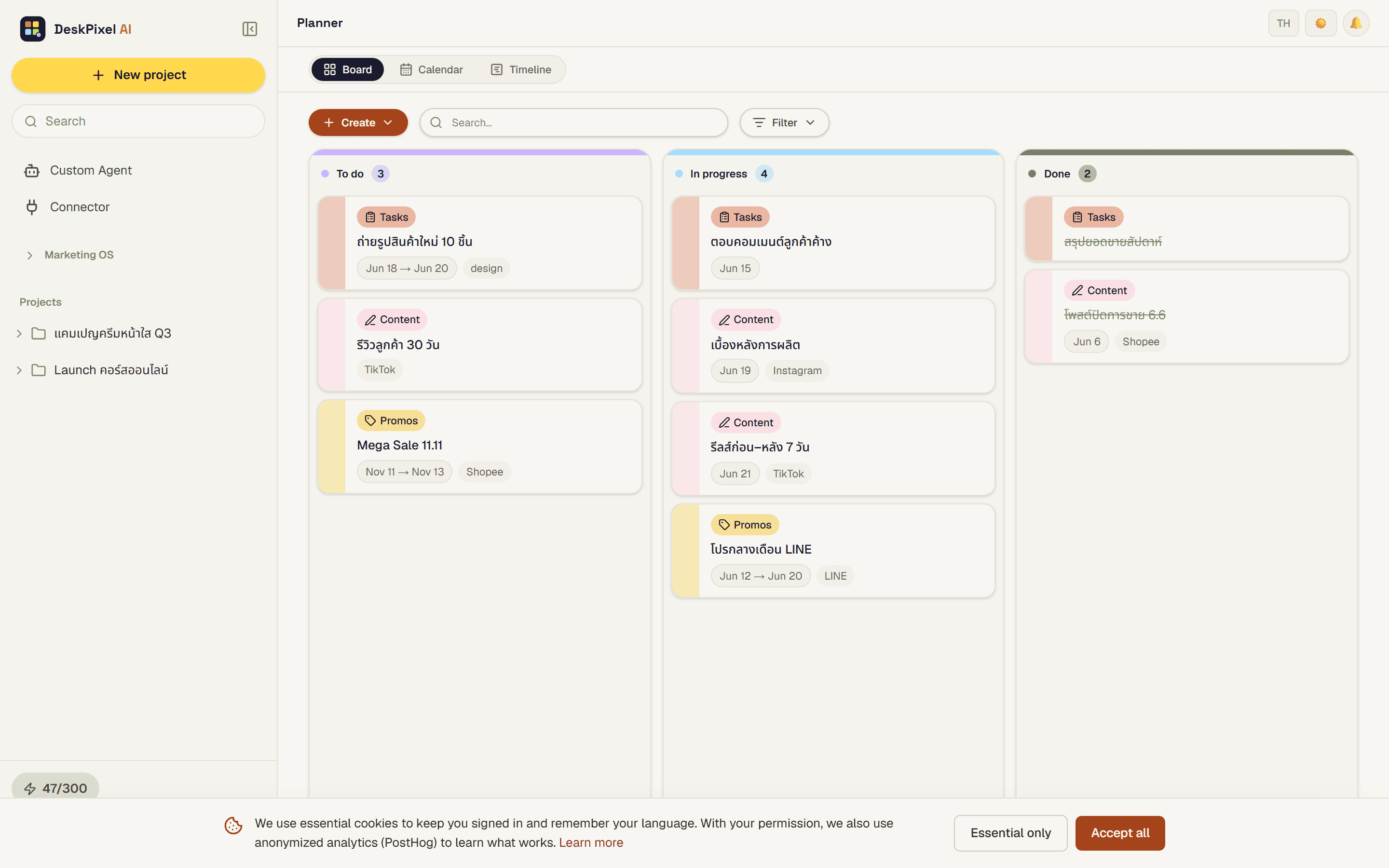
Step 3 — Lay them across the calendar
Switch to the content calendar and place the cards across the weeks so your cadence is visible at a glance. Gaps and clusters jump out, so you can rebalance before anything is written.
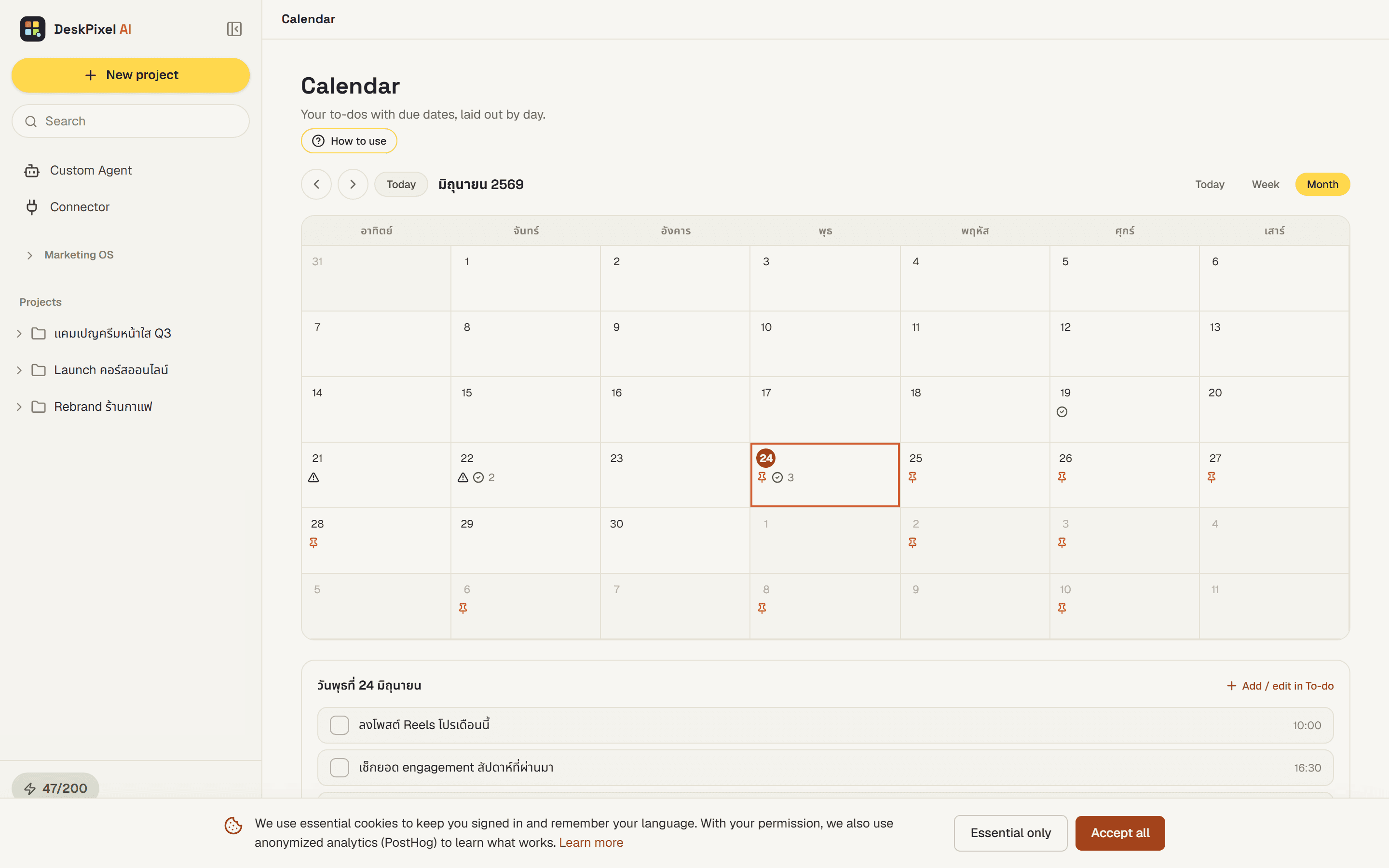
Step 4 — Draft and approve
Now work down the list: ask the team to draft each post, review, and tweak. Because every card already has its angle and date, the drafts come back focused, and you approve them in a steady rhythm instead of scrambling each week.
Tips & tricks
- Plan the whole month before drafting any of it. Seeing the shape first leads to better-balanced content.
- Reuse your Brand Kit. With voice and rules set, drafts need far less editing.
- Leave a couple of slots open for reactive, timely posts.
Requirements
Works on every plan. Pro and Studio give you more monthly orchestrations, which helps when drafting a full month in one go.