DeskPixel Documentation
Playbooks
Playbook: turn one post into five
Take a single piece of content and have the team reshape it for every channel.
Your best-performing post can do far more work. Repurposing is one of the most useful things DeskPixel does: take one piece of content and have the team reshape it for every channel, each with the right length, tone, and format, instead of starting from scratch each time.
Step 1 — Point to the original
In a project, paste or describe the post you want to repurpose: your top blog article, a popular caption, a customer story. If it's already in your content library, you can attach it so the team has the exact text.
Step 2 — Ask for channel-tuned versions
Request the spin-offs in one brief: "Turn this into an Instagram carousel outline, a short LINE broadcast, a Facebook post, and a 3-tweet thread." The team adapts the core message to each channel's format rather than copy-pasting.
Step 3 — Save the variants
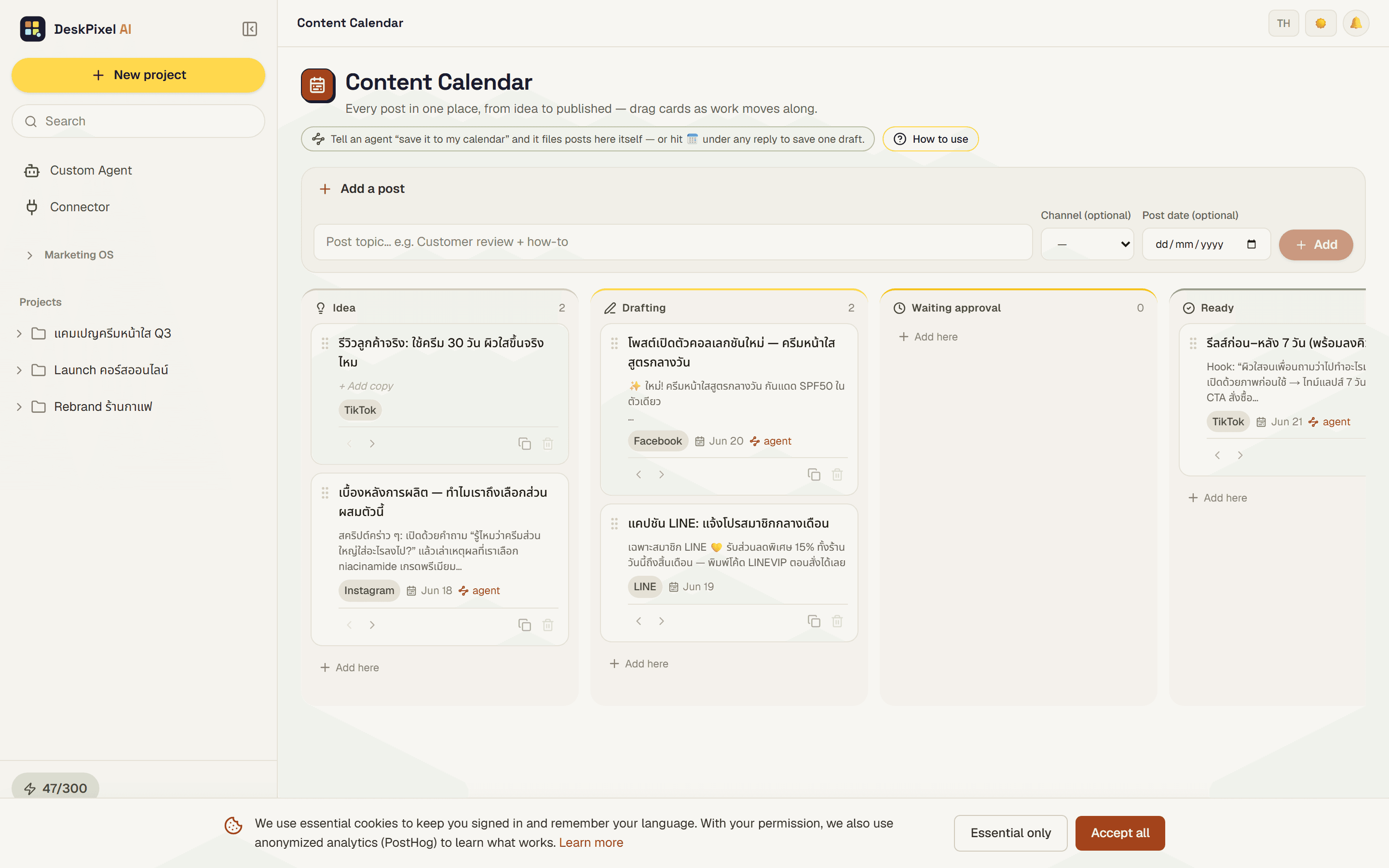
Save each version to your content library so the whole set lives together, ready to schedule. One idea now feeds a week of posts across platforms.
Tips & tricks
- Start from something that already worked. Repurposing amplifies proven content, not guesses.
- Name the channels explicitly. "Make it shorter" is vague; "a 280-character version for X" is not.
- Keep the hook, change the shape. The core idea stays; the format flexes per channel.
Requirements
Works on every plan. The Studio plan adds expert agents (short-form video, marketplace) that make repurposing into more channels even stronger.