DeskPixel Documentation
Tips & tricks
Choosing the right mode
When to let Maya auto-route, when to @mention, and when to lock the team.
DeskPixel has three chat modes. Most of the time Auto-Route is all you need, but knowing the other two gives you more control when you want it.
Auto-Route
Use this for open-ended goals. You describe what you want, and Maya, the invisible router, assembles the right team and hands work between agents for you. It's the default and the best starting point.
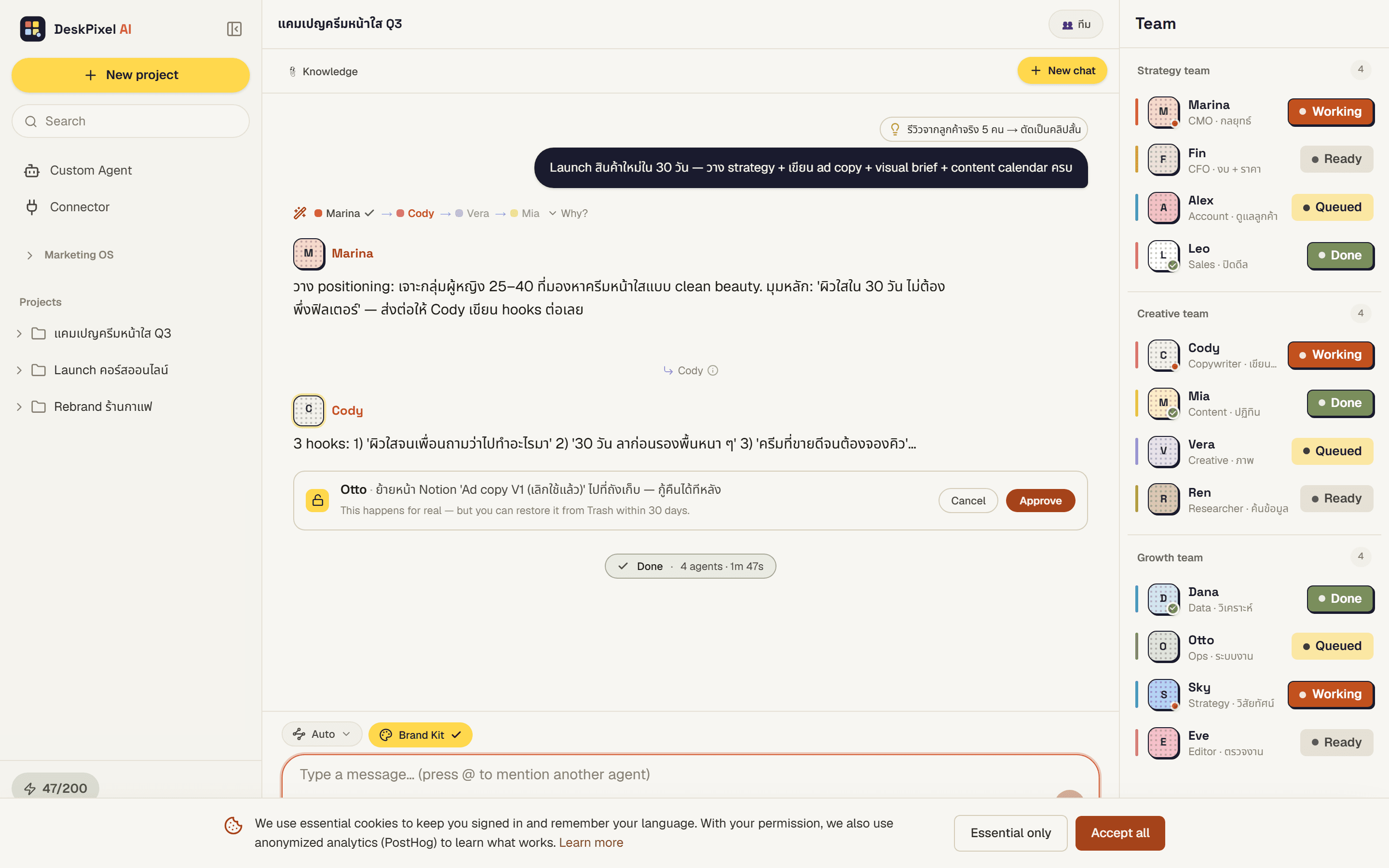
@mention
Use @mention when you already know which specialist should handle it. Type @ and the agent's name to send your message straight to them, skipping the router. This is also the only way to reach your own custom agents.
Team mode
Use Team mode to keep a task focused. You pre-select which agents Maya is allowed to pick, so the work stays within the team you've chosen instead of pulling in others.
Requirements
Available on every plan.