DeskPixel Documentation
Tips & tricks
Tips for faster handoffs
Small habits that help Maya route accurately and your agents hand off cleanly.
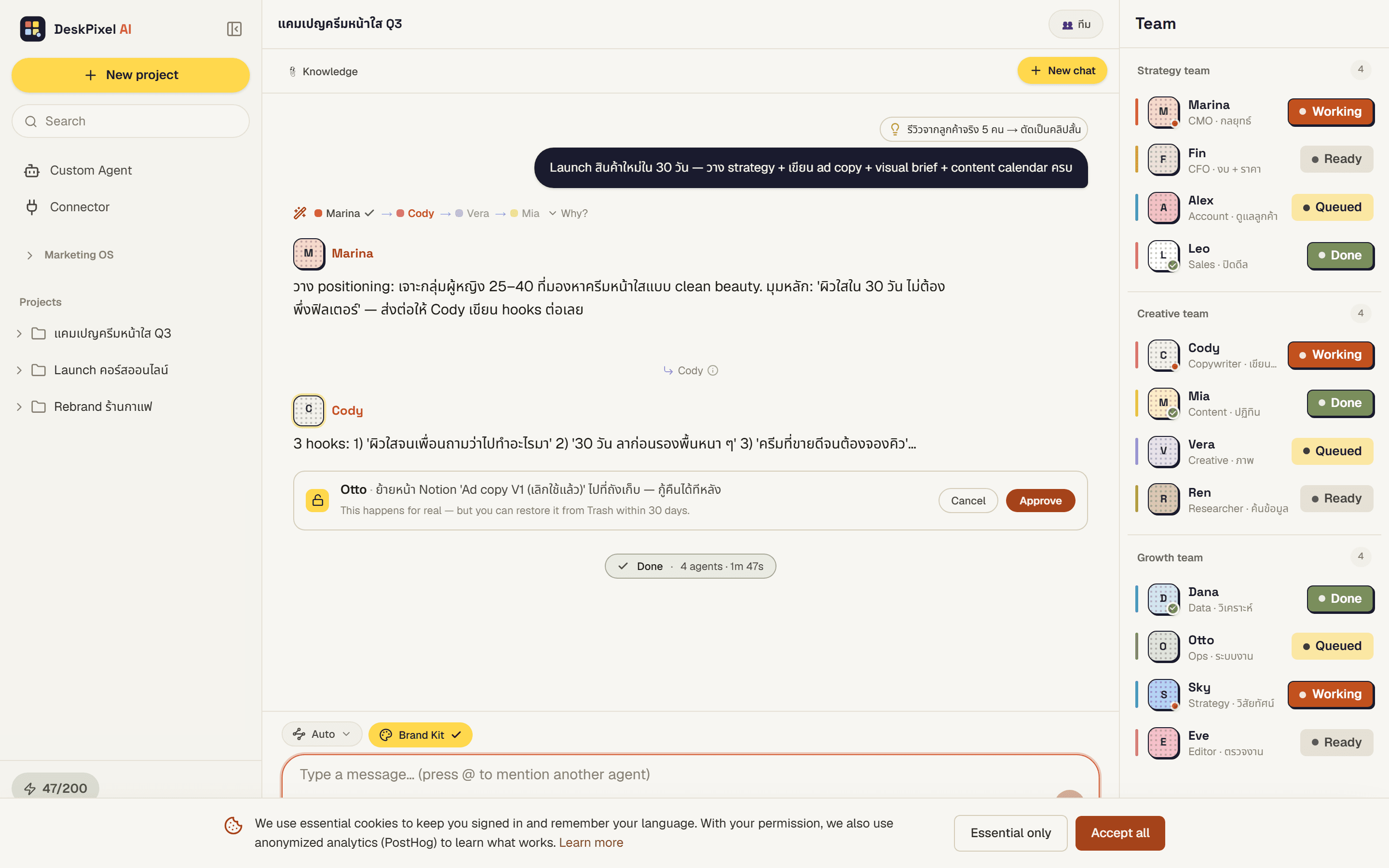
DeskPixel works best when the team can route and hand off cleanly. These are small habits that make a big difference to speed and quality. None of them require a setting, just a way of asking.
Brief the outcome, not the tool
Maya routes on intent. "I want 5 ad hooks that lean on social proof" tells her exactly who to call. "Use the copywriter" forces a guess about what you actually want. Describe the result and let the router pick the path.
Keep one goal per message
Each message becomes one orchestration. Bundling unrelated asks ("plan my week, also fix my bio, also analyse last month") makes the team split focus. Send them as separate messages, and each gets a clean, dedicated run.
Give context once, up front
If a task depends on your audience, product, or tone, say so in the first message, or store it in your Brand Kit so every agent inherits it automatically. Context added mid-task often arrives after an agent has already handed off.
Answer the team's questions quickly
When an agent pauses to ask you something, the whole sequence waits. A one-line answer unblocks the handoff chain immediately; leaving it open stalls everyone downstream.
Use @mention when you already know who you need
Auto-Route is great for open-ended goals. But if you know exactly which specialist (or your own custom agent) should handle it, @mention them. You skip the routing step and go straight to work.
Requirements
These tips apply on every plan. Routing, handoffs, and @mention work the same across Free, Starter, Pro, and Studio. Higher tiers simply unlock more agents to route between.