DeskPixel Documentation
Marketing OS
The unified planner
One board for content, tasks, and promos — plan everything in a single pipeline.
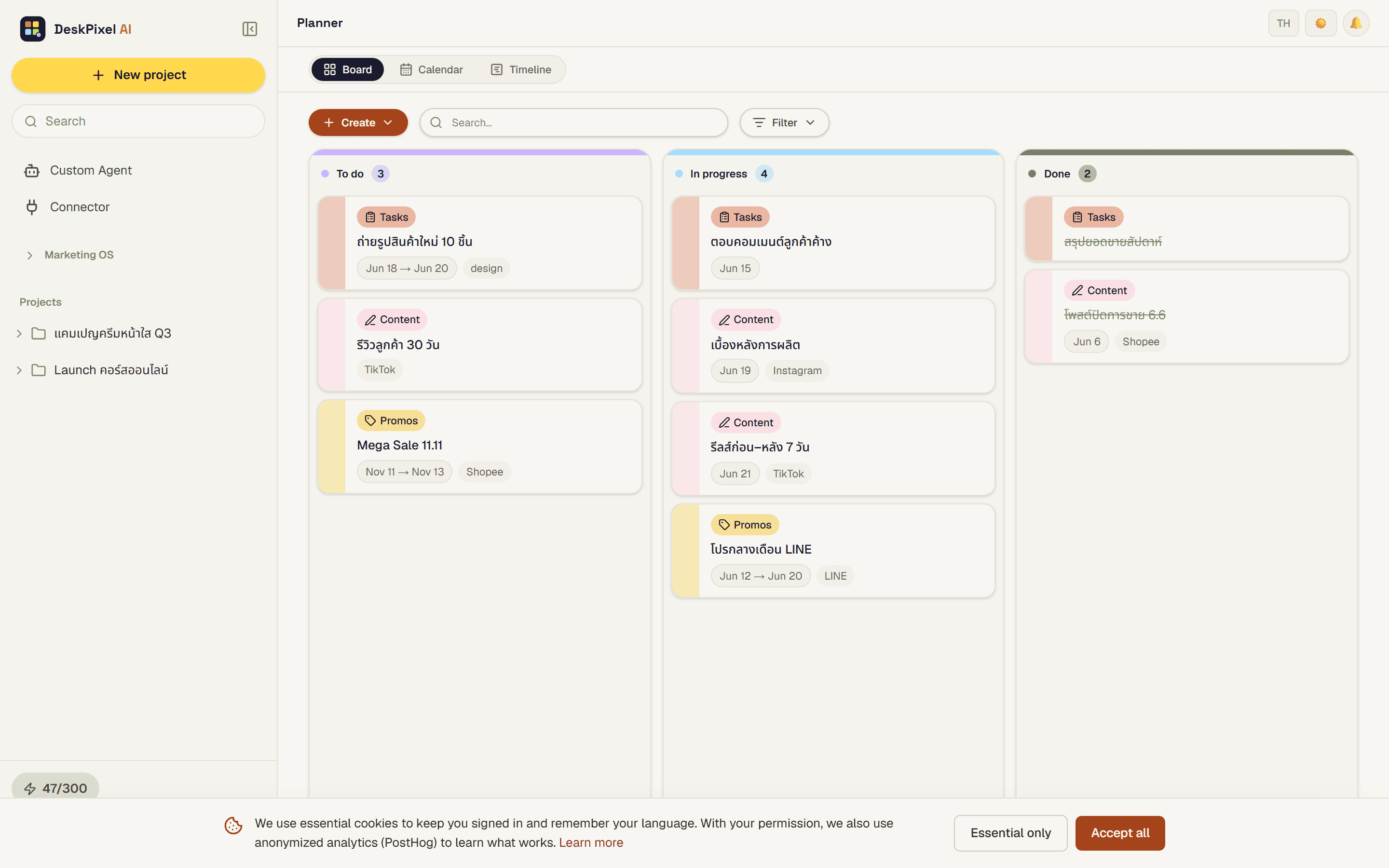
The unified planner is one Kanban board that merges content, tasks, and promotions into a single pipeline. Instead of juggling separate lists, you see everything your team is working on in one place and move it forward as it progresses.
Where to find it
The planner is your single board for everything in flight. Cards are grouped into columns by status and colour-coded by kind, so you can tell content from tasks from promotions at a glance.
How it works
- Cards live in columns that represent status, and work moves left to right as it progresses.
- Each card is colour-coded by kind (content, task, or promotion) so the board stays readable.
- Drag a card to the next column when it's ready to move on.
On mobile
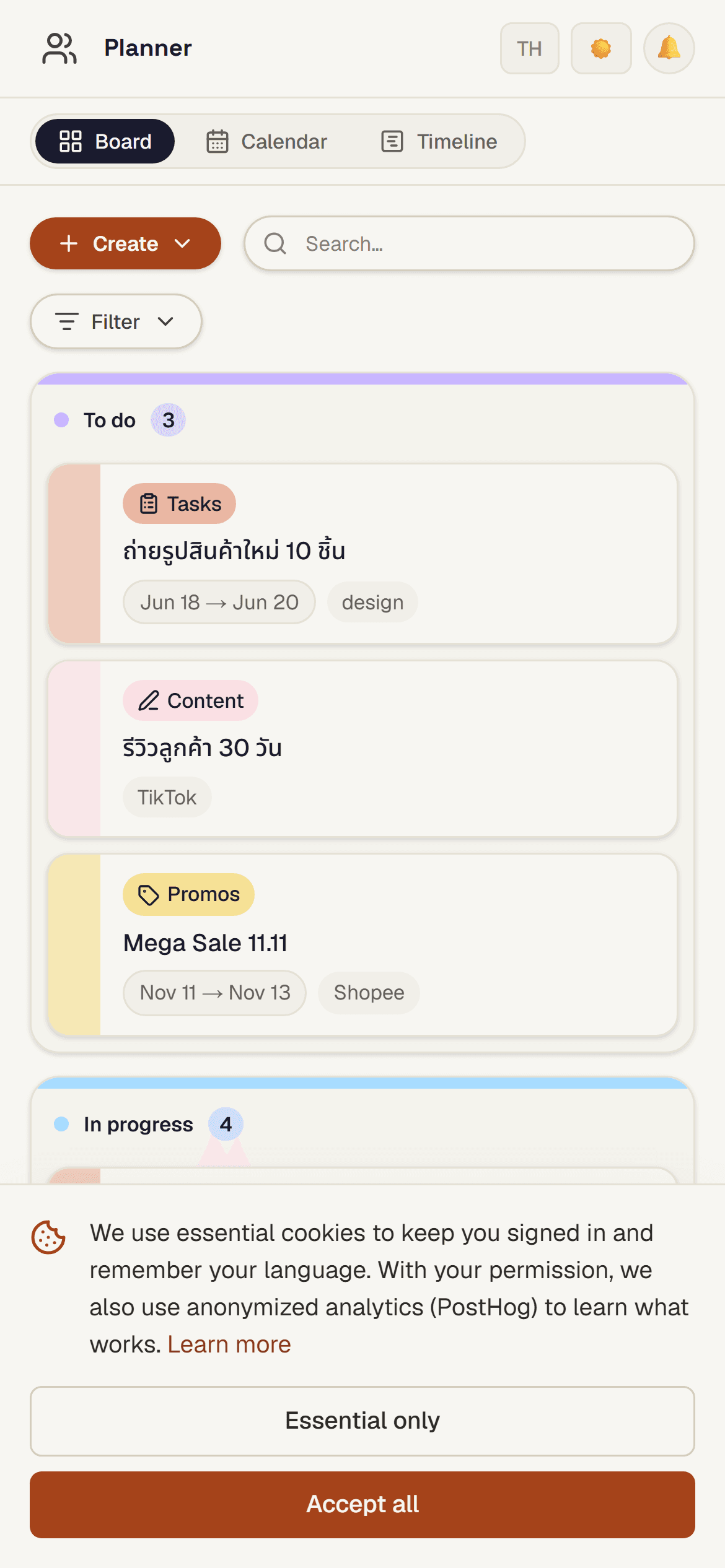
The same board comes with you on mobile, so you can check status and move cards along wherever you are.
Tips
- Add cards yourself for anything you want tracked, or let the team save work straight onto the board.
- Drag cards as work progresses so the board always reflects reality.
- Use the colour coding to scan the board quickly when you have a mix of content, tasks, and promotions.
Requirements
Available on every plan.