DeskPixel Documentation
Tips & tricks
Saving & attaching work
Turn chat output into planner items, and pin existing items back into a chat for context.
Chat and your Marketing OS work together. You can turn a reply into a planner item, or hand the team an existing item as context. Here's how each direction works.
Save a reply into the planner
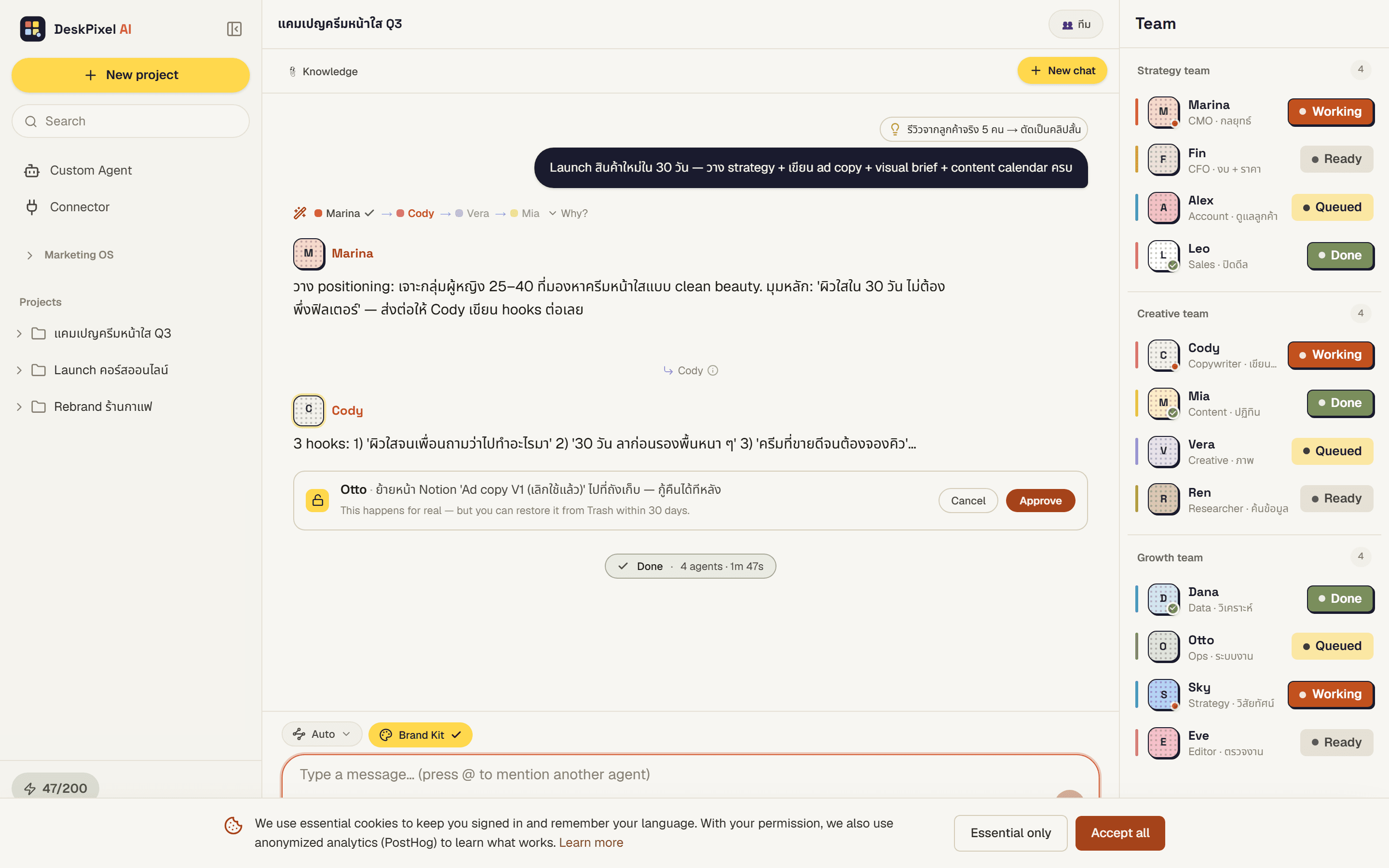
Below an agent's reply, the Save menu turns that output into a planner item: an Idea, a Task, Content, or a Promo. Pick the type and it lands in your Marketing OS, ready to work on.
New tasks go to the top
When you save a reply as a Task, it lands at the top of its column, easy to spot and act on right away.
Attach an item to a message
Going the other way, you can attach an existing Idea Bank or planner item to a message using the # picker. The team then has it as context, so you don't have to re-explain what you're working from.
Requirements
Available on every plan.