DeskPixel Documentation
Getting started
Quickstart: your first 10 minutes
From sign-up to your first finished piece of work — the fastest path to a real result.
New to DeskPixel? This is the quickest way to go from signing up to a real, finished piece of marketing work. It takes about ten minutes, and there's no API key or technical setup to deal with. Your AI team runs on us.
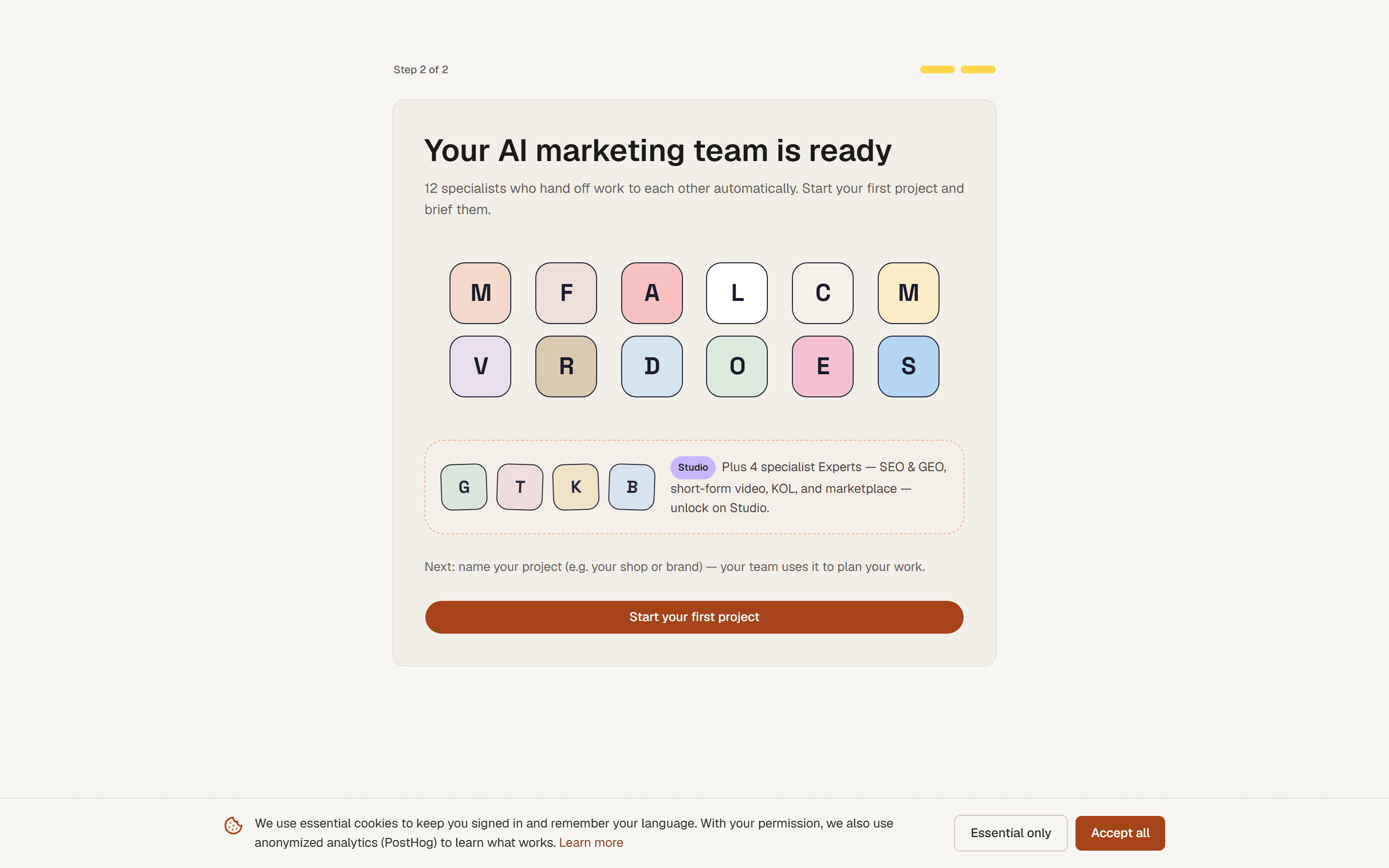
Step 1 — Set up your workspace
When you first sign in, onboarding asks a few quick questions about your business: what you sell, who you sell to, and your goals. That becomes the context every agent reads, so answering honestly here pays off in every chat afterwards. You can refine it later in the Brand Kit.
Step 2 — Brief your team
Land in a project and type one clear goal in plain language. For example: "Write 3 Instagram captions for my new iced-coffee menu, cheerful tone." Press send, and Maya routes it to the right specialists for you.
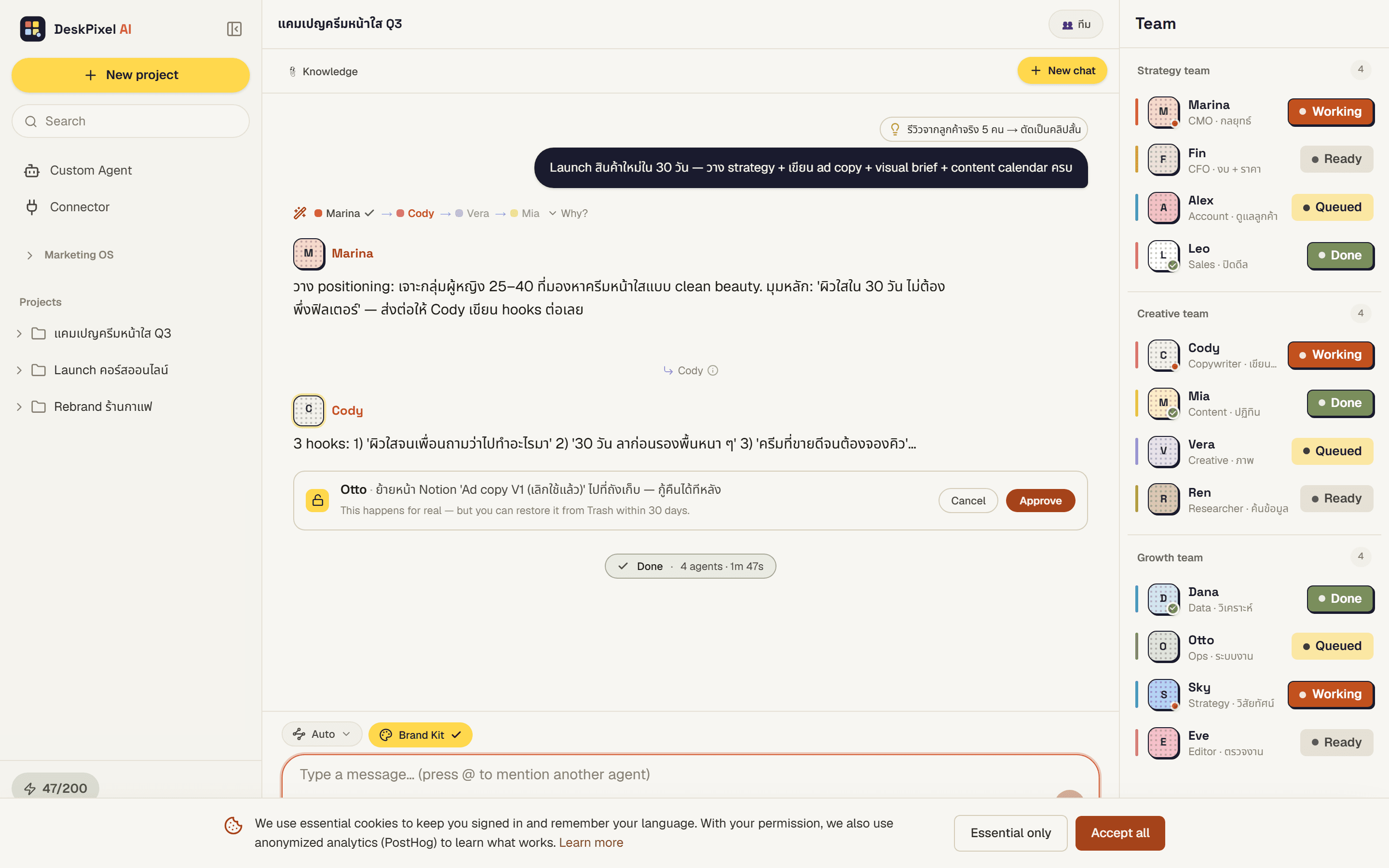
Step 3 — Approve and review
As the team works, you'll see who's handling what. If an agent wants to use a connected tool, like sending a message, an approval card waits for your tap. Nothing happens without you. Read the result and reply with any tweaks, like "make the second one shorter."
Step 4 — Save it for later
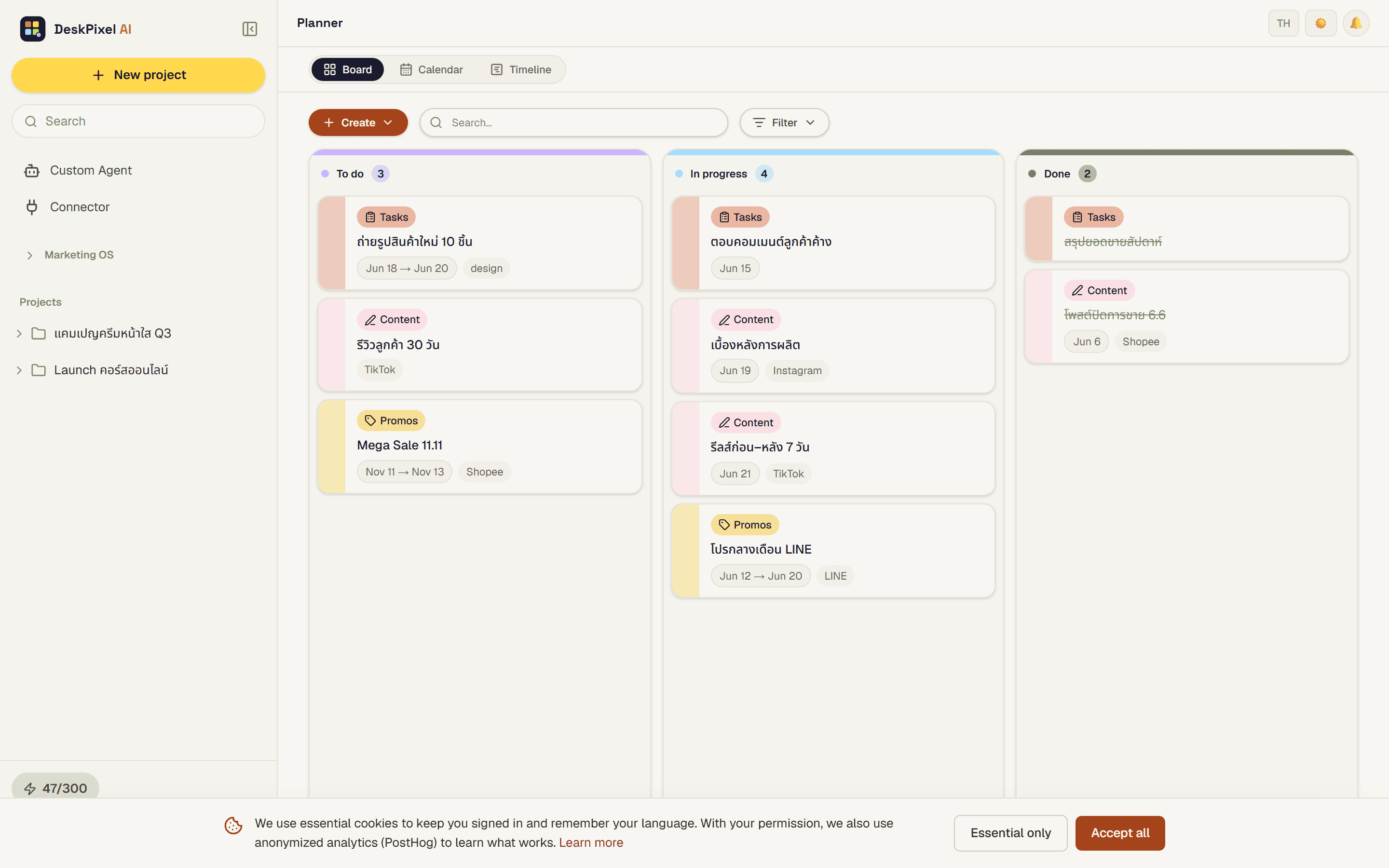
Happy with the output? Use the Save button under a message to drop it into your planner as a content item, task, or idea. Your first session ends with something you can actually schedule and ship.
Tips & tricks
- One goal per message gives the cleanest results. Send separate tasks separately.
- You don't have to pick a mode. Auto-Route handles most things. Reach for @mention only when you want a specific agent.
- Free is enough to start. You get a monthly allowance of orchestrations, no card required.
Requirements
Available on every plan, including Free. No API key or payment needed to try it.