DeskPixel Documentation
Connect & settings
Connecting tools
Link Notion, webhooks, Telegram, Discord, and LINE so agents can save and send — with approval.
Connect outside tools so your agents can save and send work where you actually need it, like writing notes into Notion or pushing a message to a chat channel.
Where to find it
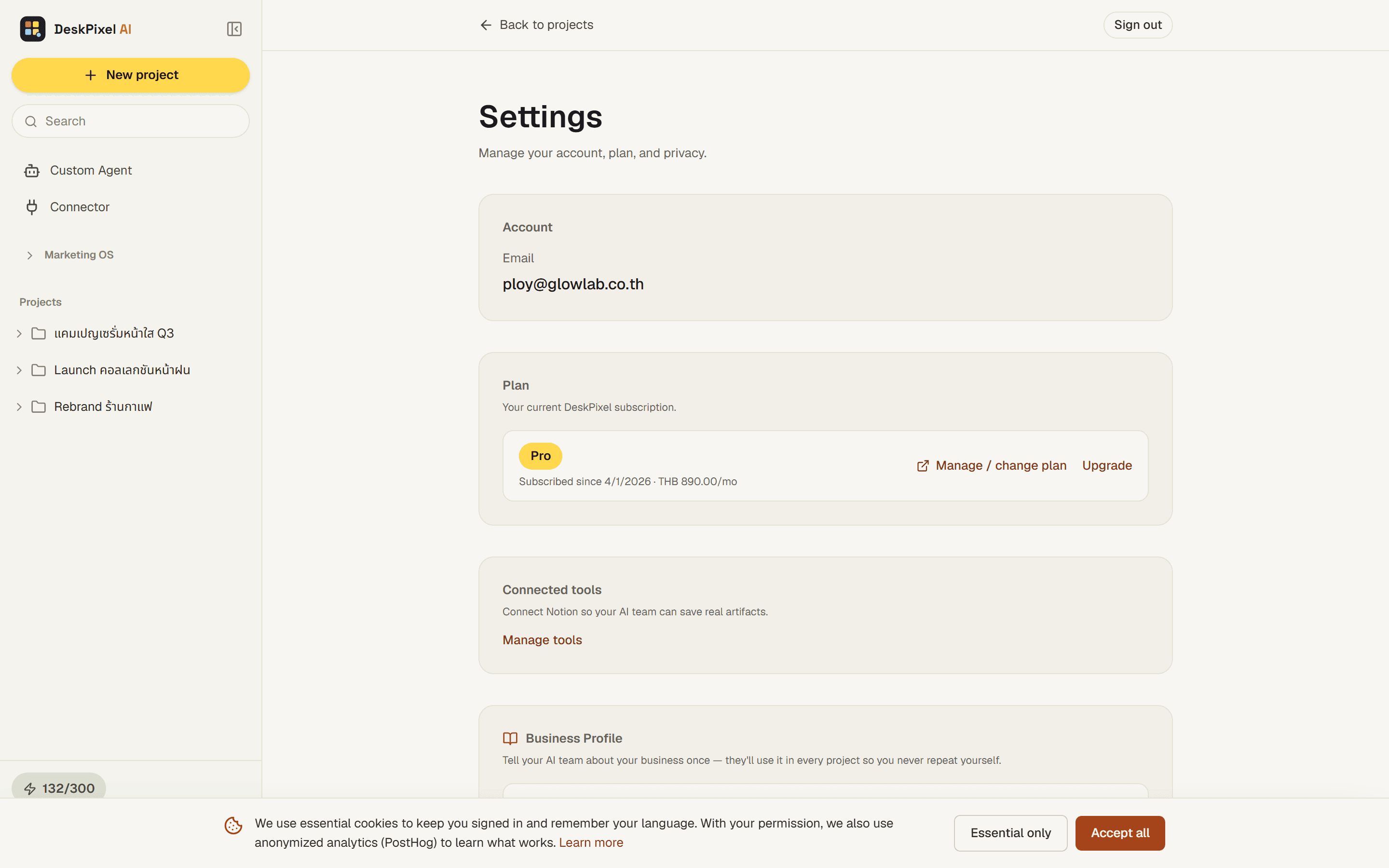
Open Settings and go to Connected tools. From there you can link each tool and see what's already connected.
How it works
There are two ways a tool connects:
- Notion connects through OAuth. Click connect, approve access, and agents can search, create, and append pages.
- Webhook, Telegram, Discord, and LINE connect by pasting a credential: a URL or a bot/channel token. Paste it once and the tool is ready.
Once a tool is connected, the right agents can use it as part of their work.
Approvals & safety
The first time an agent is about to send something out, an approval card appears and waits for you. Nothing is sent silently; you confirm before anything leaves. A tool history (audit log) records each action, so you always have a record of what was sent and when.
Requirements
Connecting tools requires the Starter plan or higher.