DeskPixel Documentation
Marketing OS
Analytics
Log your weekly numbers and watch the trends — the team uses them to advise you.
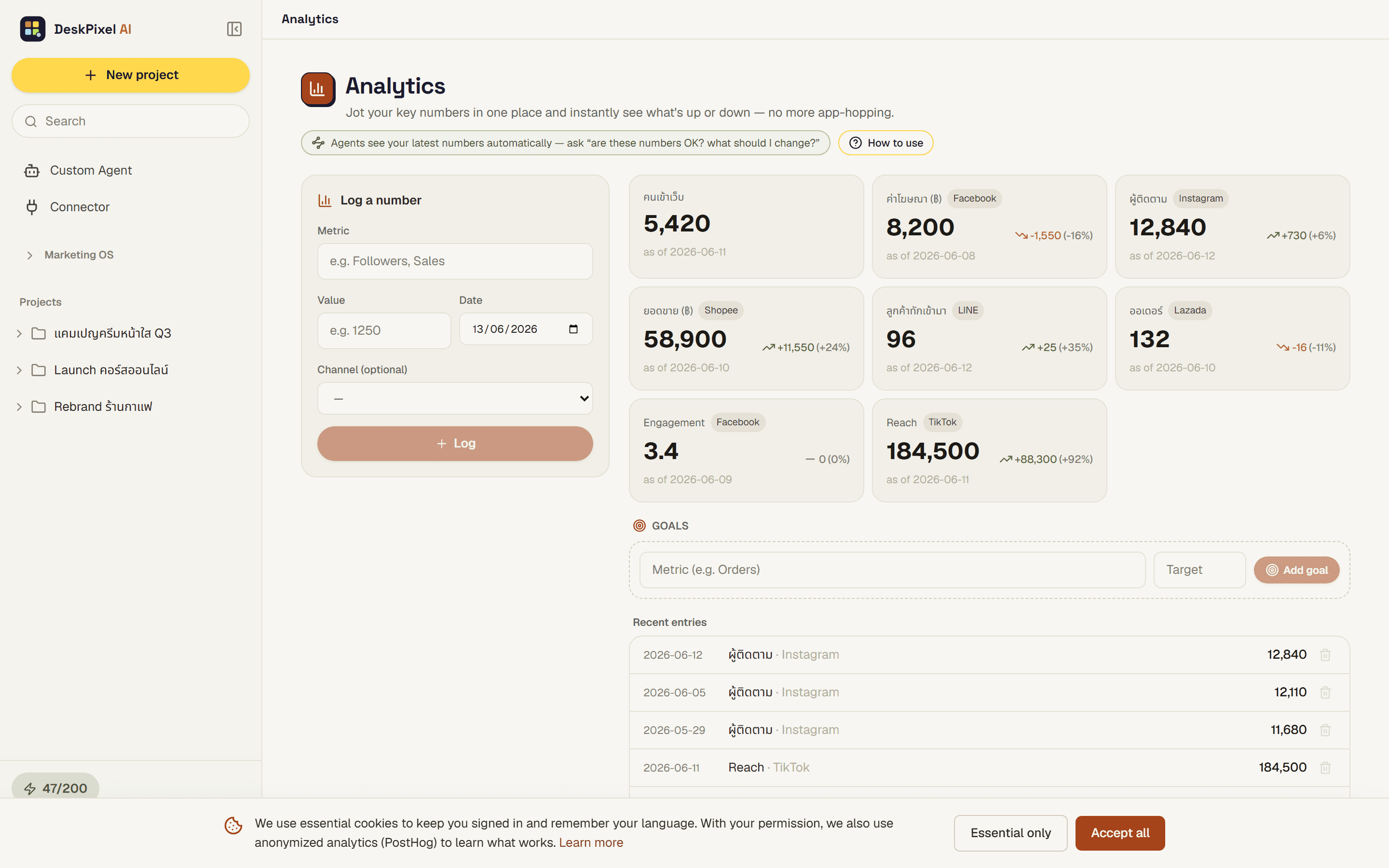
Analytics is where you log your weekly numbers (things like followers, reach, and sales) and watch how the trends move over time. It turns scattered figures into a clear picture you and your team can act on.
Where to find it
Open Analytics from the Marketing OS in your workspace. You'll see the metrics you track and how they've changed across recent weeks.
What you can do
- Log your weekly numbers, such as followers, reach, and sales.
- Watch the trends over time so you can see what's working.
- Set a goal for a metric and track your progress toward it.
- Let the team use these numbers to advise you on what to do next.
Tips
- Pick a regular day each week to enter your numbers so the trend line stays meaningful.
- Numbers are entered by hand. DeskPixel doesn't auto-pull from platforms, so jot them down as you check each channel.
- Set a goal on the metric that matters most right now, then ask the team how to move it.
Requirements
Available on every plan.