DeskPixel Documentation
Playbooks
Playbook: launch a promotion end-to-end
Plan, write, and track a full promo — from announcement to follow-up — in one flow.
A promotion isn't one post. It's a sequence: the announcement, the reminders, the last-call, and the follow-up. This playbook runs the whole arc with your team so nothing is forgotten and every piece lands on the right day.
Step 1 — Set the scene
Tell the team what you're promoting, the offer, and the dates. For example: "We're running 20% off all beans from the 15th to the 20th. Plan the full promo for Instagram and our LINE channel."
Step 2 — Let the team draft the sequence
Ask for the complete set in one go: a launch announcement, one or two mid-promo reminders, a final last-call, and a thank-you / results follow-up. The team writes them as a connected sequence, not isolated posts, so the tone carries through.
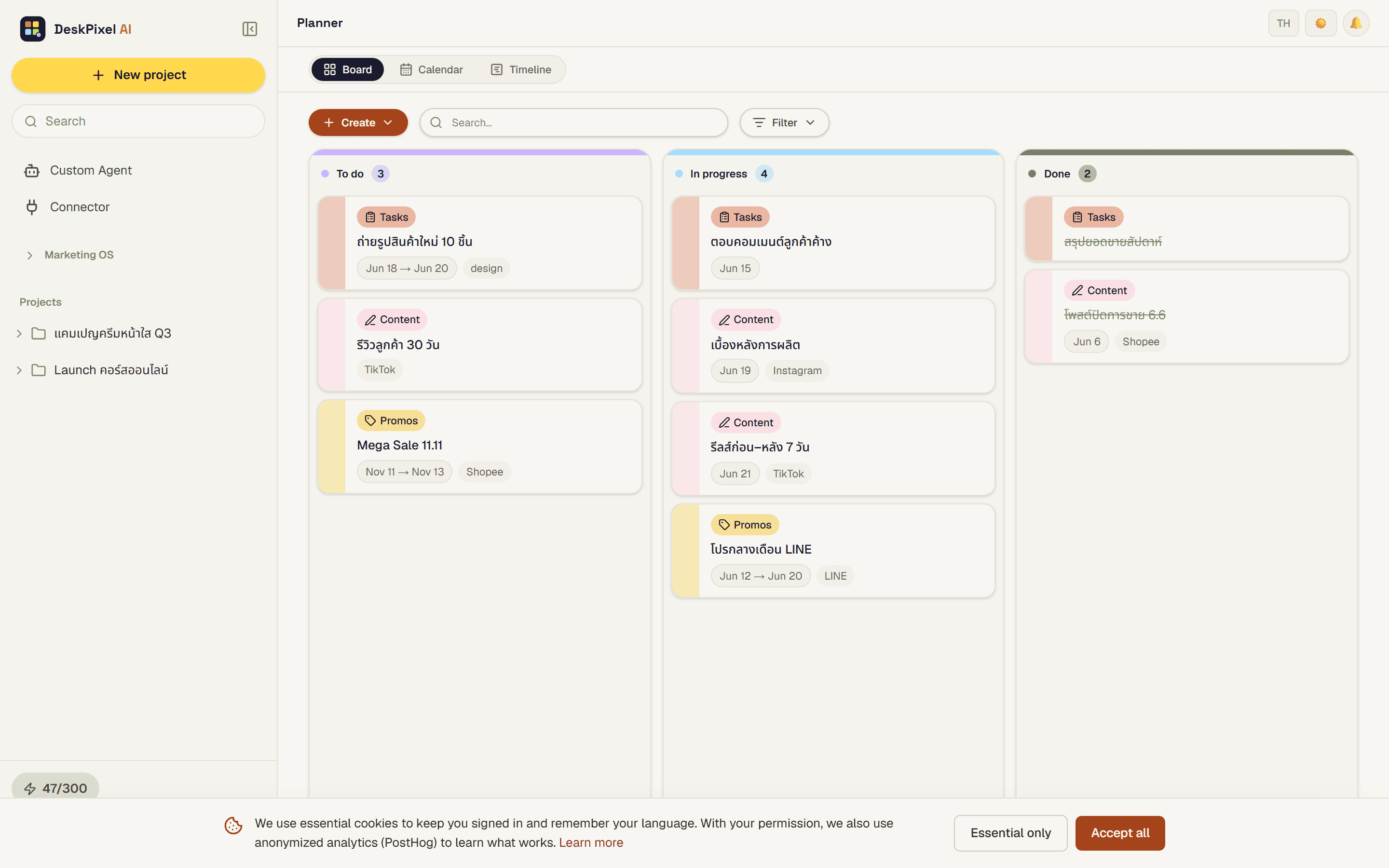
Step 3 — Schedule it on the planner
Save each piece to the planner with its target date. Now the promo exists as a dated pipeline you can see end to end, and adjust if the dates shift.
Step 4 — Add a tracked link and measure
Generate a UTM link for the promo so you can tell exactly how much traffic and sales it drove. After it ends, log the numbers and ask the team for a quick read on what worked.
Tips & tricks
- Write the last-call post first. It's the hardest to get right, and it shapes the urgency of everything before it.
- One offer, one promo. Bundling two offers muddies the message and the measurement.
- Keep the follow-up. A "thanks, here's what's next" post turns a one-off promo into a relationship.
Requirements
Works on every plan. Connecting a channel to send directly (LINE, Telegram, etc.) requires Starter or higher.